Tap to Pay on iPhone
Accept contactless payments right on your iPhone with the Mollie app
Accept payments
Embedded payments
Grow your business
Technical resources
About Mollie
Tap to Pay on iPhone
Accept contactless payments right on your iPhone
With Tap to Pay on iPhone, accept all types of in-person and contactless payments, from debit and credit cards to Apple Pay and other digital wallets.


All you need is your iPhone and the Mollie app
Use your iPhone to accept contactless payments, anywhere, anytime.
All you need is your iPhone and the Mollie app
Use your iPhone to accept contactless payments, anywhere, anytime.

No additional hardware
Tap to Pay on iPhone makes it simple to start a new business or expand a current one. With just an iPhone and the Mollie app, anyone can accept contactless payments. It’s that simple.


Expand where you do business
With Tap to Pay on iPhone, you can do business anywhere. Reach new customers, accept payments on the go, and launch new setups like queue busting.

Designed to be secure
Apple doesn’t store card numbers or PIN information on your iPhone or on Apple servers, helping to protect your business and customer data.
How it works
How it works


1. Open the Mollie app
And navigate to Point of Sale


2. Enable Tap to Pay on iPhone
Follow the steps to activate Tap to Pay on iPhone

3. Enter the amount you would like to charge
Tap Charge and present your iPhone to the customer


4. Tap, pay, done
When you see the Done checkmark, the transaction is complete


1. Open the Mollie app
And navigate to Point of Sale


2. Enable Tap to Pay on iPhone
Follow the steps to activate Tap to Pay on iPhone

3. Enter the amount you would like to charge
Tap Charge and present your iPhone to the customer


4. Tap, pay, done
When you see the Done checkmark, the transaction is complete


1. Open the Mollie app
And navigate to Point of Sale


2. Enable Tap to Pay on iPhone
Follow the steps to activate Tap to Pay on iPhone

3. Enter the amount you would like to charge
Tap Charge and present your iPhone to the customer


4. Tap, pay, done
When you see the Done checkmark, the transaction is complete


1. Open the Mollie app
And navigate to Point of Sale


2. Enable Tap to Pay on iPhone
Follow the steps to activate Tap to Pay on iPhone

3. Enter the amount you would like to charge
Tap Charge and present your iPhone to the customer


4. Tap, pay, done
When you see the Done checkmark, the transaction is complete


1. Open the Mollie app
And navigate to Point of Sale


2. Enable Tap to Pay on iPhone
Follow the steps to activate Tap to Pay on iPhone

3. Enter the amount you would like to charge
Tap Charge and present your iPhone to the customer


4. Tap, pay, done
When you see the Done checkmark, the transaction is complete


1. Open the Mollie app
And navigate to Point of Sale


2. Enable Tap to Pay on iPhone
Follow the steps to activate Tap to Pay on iPhone

3. Enter the amount you would like to charge
Tap Charge and present your iPhone to the customer


4. Tap, pay, done
When you see the Done checkmark, the transaction is complete


1. Open the Mollie app
And navigate to Point of Sale


2. Enable Tap to Pay on iPhone
Follow the steps to activate Tap to Pay on iPhone

3. Enter the amount you would like to charge
Tap Charge and present your iPhone to the customer


4. Tap, pay, done
When you see the Done checkmark, the transaction is complete


1. Open the Mollie app
And navigate to Point of Sale


2. Enable Tap to Pay on iPhone
Follow the steps to activate Tap to Pay on iPhone

3. Enter the amount you would like to charge
Tap Charge and present your iPhone to the customer


4. Tap, pay, done
When you see the Done checkmark, the transaction is complete


1. Open the Mollie app
And navigate to Point of Sale


2. Enable Tap to Pay on iPhone
Follow the steps to activate Tap to Pay on iPhone

3. Enter the amount you would like to charge
Tap Charge and present your iPhone to the customer


4. Tap, pay, done
When you see the Done checkmark, the transaction is complete


1. Open the Mollie app
And navigate to Point of Sale


2. Enable Tap to Pay on iPhone
Follow the steps to activate Tap to Pay on iPhone

3. Enter the amount you would like to charge
Tap Charge and present your iPhone to the customer


4. Tap, pay, done
When you see the Done checkmark, the transaction is complete


1. Open the Mollie app
And navigate to Point of Sale


2. Enable Tap to Pay on iPhone
Follow the steps to activate Tap to Pay on iPhone

3. Enter the amount you would like to charge
Tap Charge and present your iPhone to the customer


4. Tap, pay, done
When you see the Done checkmark, the transaction is complete


1. Open the Mollie app
And navigate to Point of Sale


2. Enable Tap to Pay on iPhone
Follow the steps to activate Tap to Pay on iPhone

3. Enter the amount you would like to charge
Tap Charge and present your iPhone to the customer


4. Tap, pay, done
When you see the Done checkmark, the transaction is complete
Getting started is easy


Open the Mollie app
Navigate to the ‘In Person’ tab at the bottom of your screen.


Enable Tap to Pay on iPhone
Follow the steps to activate Tap to Pay on iPhone.

Enter the amount you would like to charge
Tap 'Charge' and present your iPhone to the customer.


Tap and get paid
When you see the Done checkmark, the card read is complete and the transaction is being processed.
Flexible in-person payments to suit any business
With Tap to Pay on iPhone, reach new customers in new places, accept payments on the go and launch new setups like queue busting. All you need is your iPhone.
Flexible in-person payments to suit any business
With Tap to Pay on iPhone, reach new customers in new places, accept payments on the go and launch new setups like queue busting. All you need is your iPhone.
Retail stores
Beauty salons
Personal trainers
Taxi drivers
Mobile businesses

Retail stores
Say goodbye to long queues at the checkout. Say hello to helping your customers pay anywhere in-store.

Salons de beauté
Pas de matériel ? Pas de problème. Utilisez votre téléphone ou tablette pour accepter des paiements sans contact rapides et sécurisés.

Coaching personnels
Acceptez les paiements de vos clients où que vous soyez : dans la salle de sport, dans le parc, à leur domicile ou ailleurs.

Taxis
Transformez votre appareil mobile en système de paiement pour offrir à vos passagers un moyen de paiement simple et rapide.

Services de livraison
Pourquoi s'encombrer d'un poids supplémentaire lorsque vous êtes en déplacement ? Transformez votre appareil en terminal de paiement pour alléger votre charge.

Retail stores
Say goodbye to long queues at the checkout. Say hello to helping your customers pay anywhere in-store.

Salons de beauté
Pas de matériel ? Pas de problème. Utilisez votre téléphone ou tablette pour accepter des paiements sans contact rapides et sécurisés.

Coaching personnels
Acceptez les paiements de vos clients où que vous soyez : dans la salle de sport, dans le parc, à leur domicile ou ailleurs.

Taxis
Transformez votre appareil mobile en système de paiement pour offrir à vos passagers un moyen de paiement simple et rapide.

Services de livraison
Pourquoi s'encombrer d'un poids supplémentaire lorsque vous êtes en déplacement ? Transformez votre appareil en terminal de paiement pour alléger votre charge.
Transaction pricing
Whether you sell occasionally or frequently, our pricing is flexible and works for your business.
Pay as you go
€0 per month
Pay only when you sell, no contract or commitment.
Domestic consumer debit & credit cards
1.20%
Other consumer cards
1.80%
American Express
2.10%
All commercial cards
2.90%
One hardware terminal maximum.
Ideal for occasional payments
Pro
1 year contract
€20 per month
Lower transaction rates, fixed monthly fees.
Domestic consumer debit & credit cards
i
0.85% + €0.10
Other consumer cards
1.50% + €0.10
American Express
1.80% + €0.10
All commercial cards
2.50% + €0.10
Includes 1 hardware terminal license. Additional €20/mo each.
Helps frequent sellers save
Transaction pricing
Whether you sell ocassionally or frequently, our pricing is flexible and works for your business.
Pay as you go
€0 per month
Pay only when you sell, no contract or commitment.
Domestic consumer debit & credit cards
1.20%
Other consumer cards
1.80%
American Express
2.10%
All commercial cards
2.90%
One hardware terminal maximum.
Ideal for occasional payments
Pro
1 year contract
€20 per month
Lower transaction rates, fixed monthly fees.
Domestic consumer debit & credit cards
i
0.85% + €0.10
Other consumer cards
1.50% + €0.10
American Express
1.80% + €0.10
All commercial cards
2.50% + €0.10
Includes 1 hardware terminal license. Additional €20/mo each.
Helps frequent sellers save
Transaction pricing
Whether you sell ocassionally or frequently, our pricing is flexible and works for your business.
Pay as you go
€0 per month
Pay only when you sell, no contract or commitment.
Domestic consumer debit & credit cards
1.20%
Other consumer cards
1.80%
American Express
2.10%
All commercial cards
2.90%
One hardware terminal maximum.
Ideal for occasional payments
Pro
1 year contract
€20 per month
Lower transaction rates, fixed monthly fees.
Domestic consumer debit & credit cards
i
0.85% + €0.10
Other consumer cards
1.50% + €0.10
American Express
1.80% + €0.10
All commercial cards
2.50% + €0.10
Includes 1 hardware terminal license. Additional €20/mo each.
Helps frequent sellers save
Transaction pricing
Whether you sell ocassionally or frequently, our pricing is flexible and works for your business.
Pay as you go
€0 per month
Pay only when you sell, no contract or commitment.
Domestic consumer debit & credit cards
1.20%
Other consumer cards
1.80%
American Express
2.10%
All commercial cards
2.90%
One hardware terminal maximum.
Ideal for occasional payments
Pro
1 year contract
€20 per month
Lower transaction rates, fixed monthly fees.
Domestic consumer debit & credit cards
i
0.85% + €0.10
Other consumer cards
1.50% + €0.10
American Express
1.80% + €0.10
All commercial cards
2.50% + €0.10
Includes 1 hardware terminal license. Additional €20/mo each.
Helps frequent sellers save
Effortless payments and money management
A complete solution to manage all your payments: in-person, online, recurring and more.
Effortless payments and money management
A complete solution to manage all your payments: in-person, online, recurring and more.
Manage everything
in one place
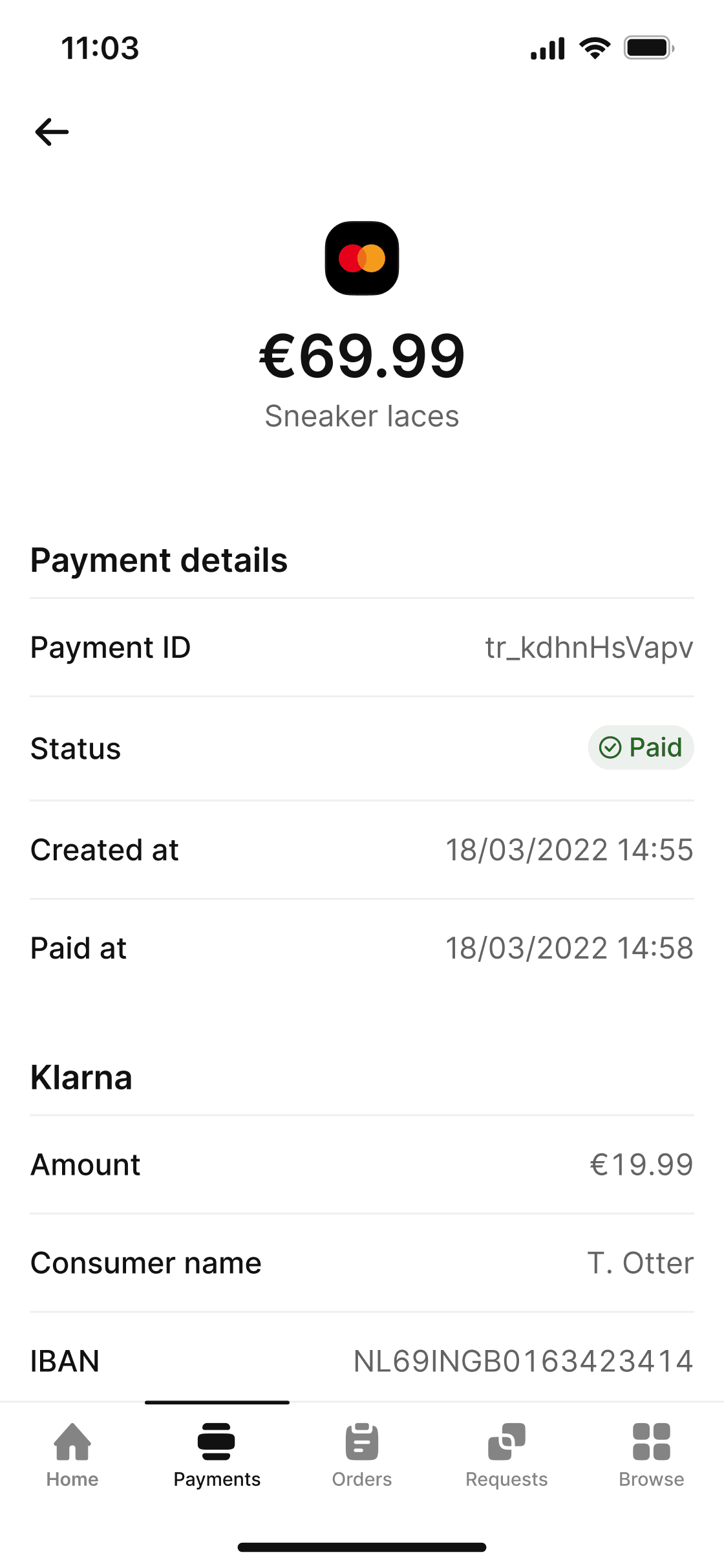
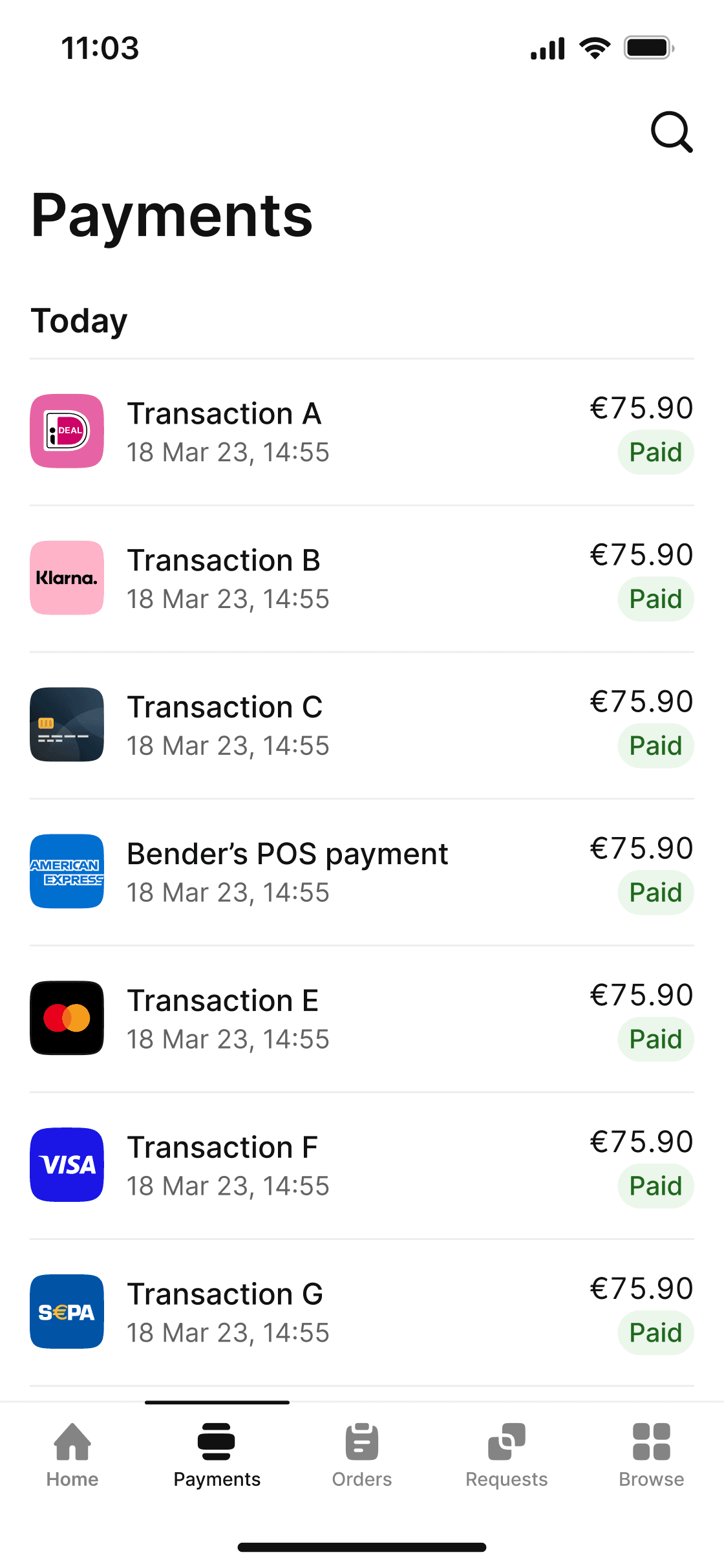
Accept payments, track sales, process refunds, and manage funds in real time – all you need is the Mollie App.
The best ways to pay
Offer leading in-person payment methods – Visa, Mastercard, and digital wallets.
Best-in-class support
Get industry-leading support whenever you need it.
.
Trustpilot
Frequently asked questions
Which devices work with Tap to Pay on iPhone?
Does Tap to Pay on iPhone support transactions requiring a PIN?
What types of payments can I accept?
How can I set up Tap to Pay on iPhone?
What are the accessibility options for Tap to Pay on iPhone?
Frequently asked questions
Which devices work with Tap to Pay on iPhone?
Does Tap to Pay on iPhone support transactions requiring a PIN?
What types of payments can I accept?
How can I set up Tap to Pay on iPhone?
What are the accessibility options for Tap to Pay on iPhone?
Tap to Pay on iPhone requires a supported payment app and the latest version of iOS. Update to the latest version by going to Settings > General > Software Update.Tap Download and Install. Some contactless cards may not be accepted by your payment app. Transaction limits may apply. The Contactless Symbol is a trademark owned by and used with permission of EMVCo, LLC. Tap to Pay on iPhone is not available in all markets. For Tap to Pay on iPhone countries and regions, see https://developer.apple.com/tap-to-pay/regions/.